Your real life.
Shared privately.
One Shot is the private space for the photos, videos and messages you actually want to share — with the people who matter. No strangers, no ads, no algorithm. And for families, the controls that let teenagers join in safely.
Be in the moment.
Then share it.
One Shot is about real life, not a highlight reel. Take as many photos as you like with the camera — no filters, no retouching. Uploads from your camera roll are limited to one a day, so what you share is what really happened.
Every shot gets the whole screen
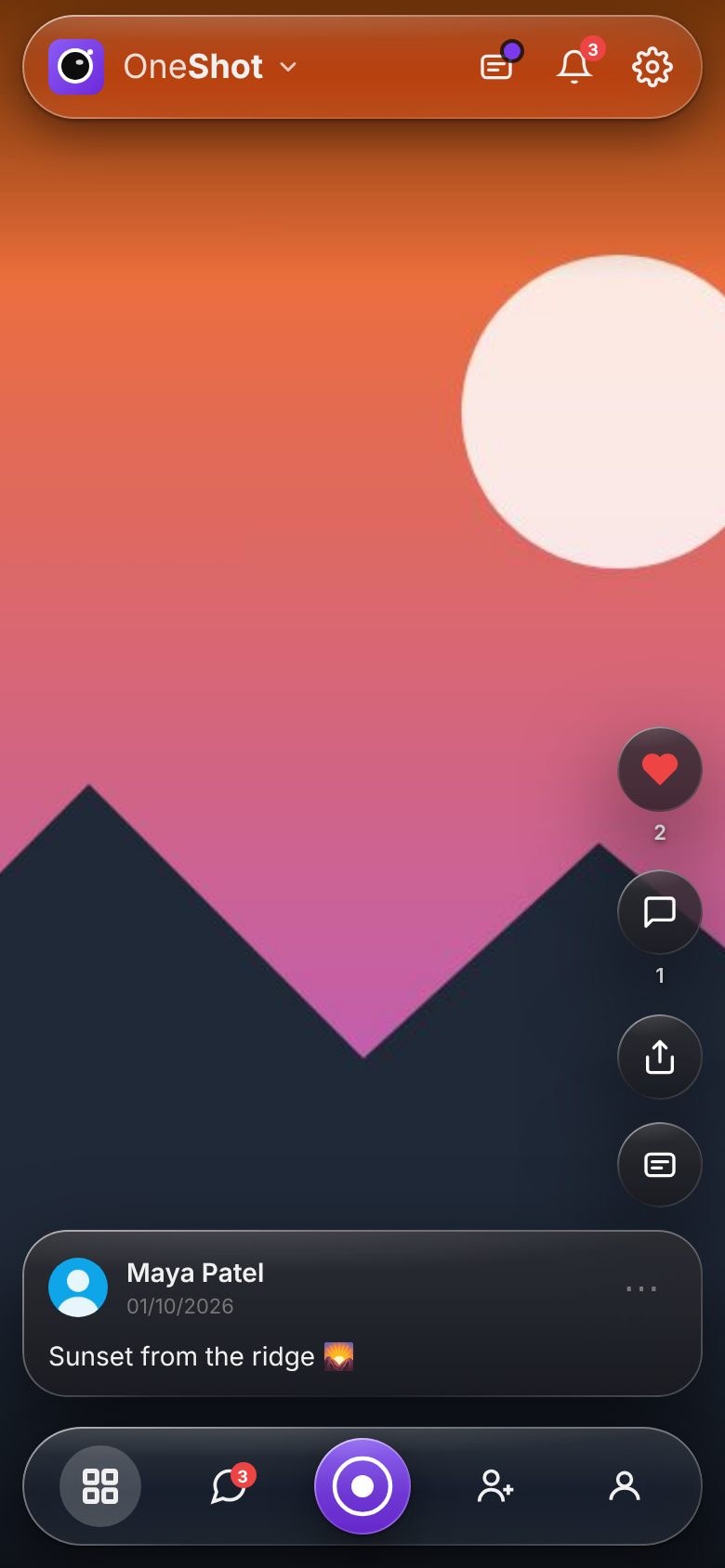
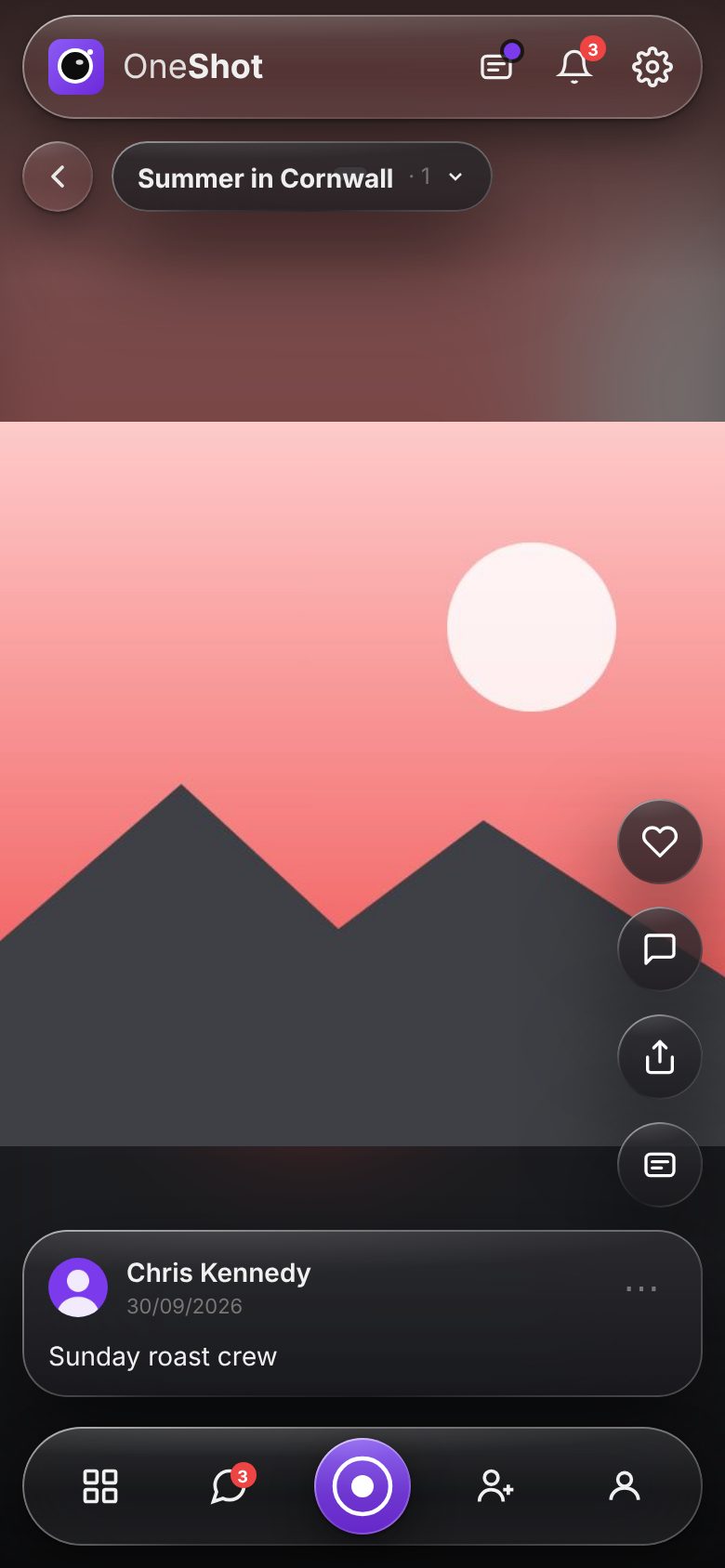
Your feed only ever shows people you know. Filter it to one group in a tap, or tap a photo to hide everything else and just look.
- One post per screen — swipe through photos, videos and Stitches from your friends and groups.
- Like, comment and @tag friends; they're told when you mention them.
- New posts appear while you scroll, and pinch out to see everything as a grid.
- Nothing chosen for you — it's your people, newest first. No algorithm, no sponsored posts.
Text and stickers, like a story
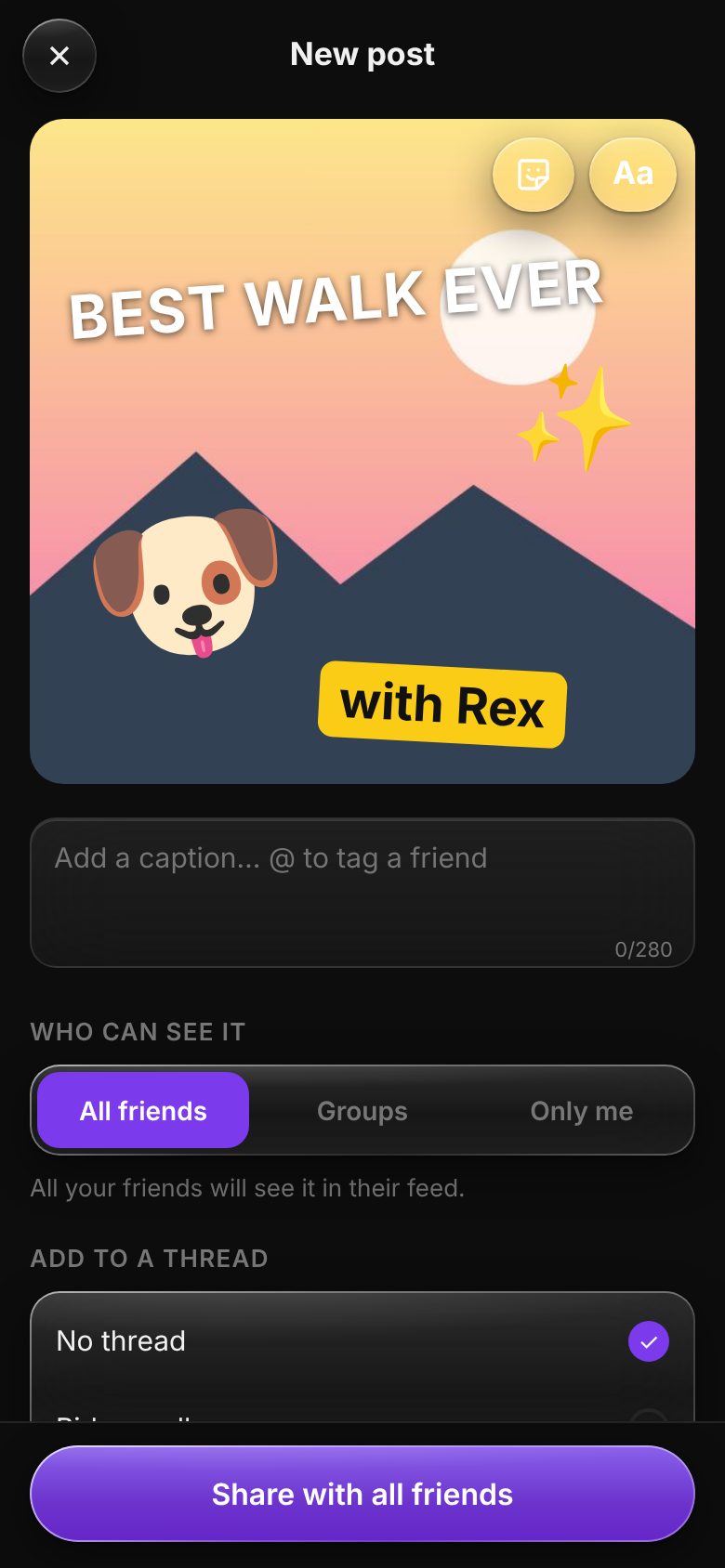
Say what the moment meant, right on the photo. It's still the real shot underneath — text and stickers sit on top, never baked in.
- Up to 3 text blocks in 5 styles and 8 colours. The box grows as you type and keeps to 3 lines.
- Up to 3 stickers from a set of 30 — hearts, party poppers, pets, sunshine and more.
- Drag, pinch, resize and turn anything you add, and change it after you've posted.
All friends, some groups, or only you
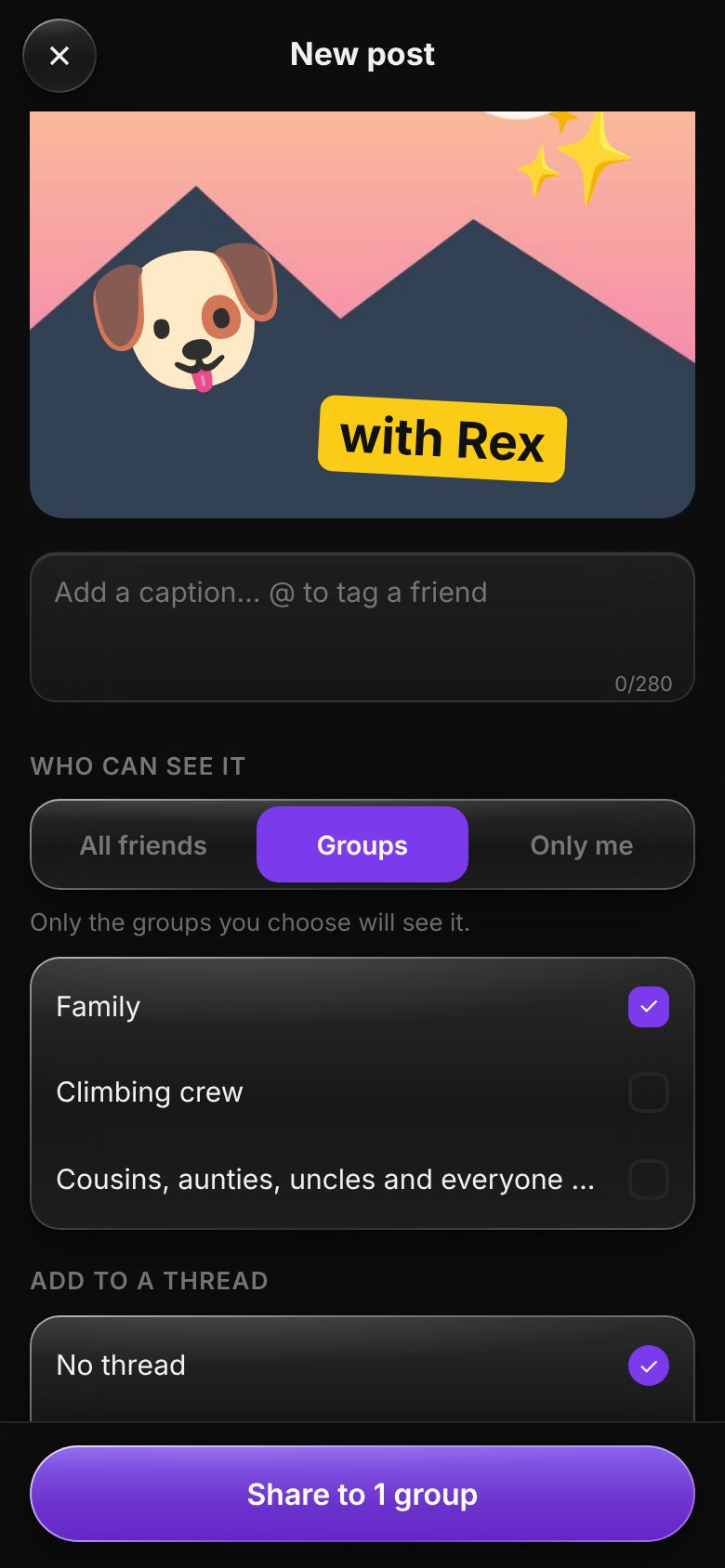
One clear choice every time you post. Nobody outside the people you pick will ever see it — not even other One Shot users.
- Groups for family, school friends, the team — whoever you choose.
- Threads keep a weekend away or a birthday together in one place.
- Keep it private and decide later. Edit the caption or delete a post any time.
Threads, Stitches and your own grid
Memories stay organised and easy to find later, instead of disappearing up a chat.
- Threads gather everyone's photos from the same trip or event.
- Stitches link short video clips into one story. Your friends can add theirs if you let them.
- Your profile shows your posts as a grid, just for your friends.
Chat, voice notes and group chats
Make the plans, then share the photos — all in the same private place.
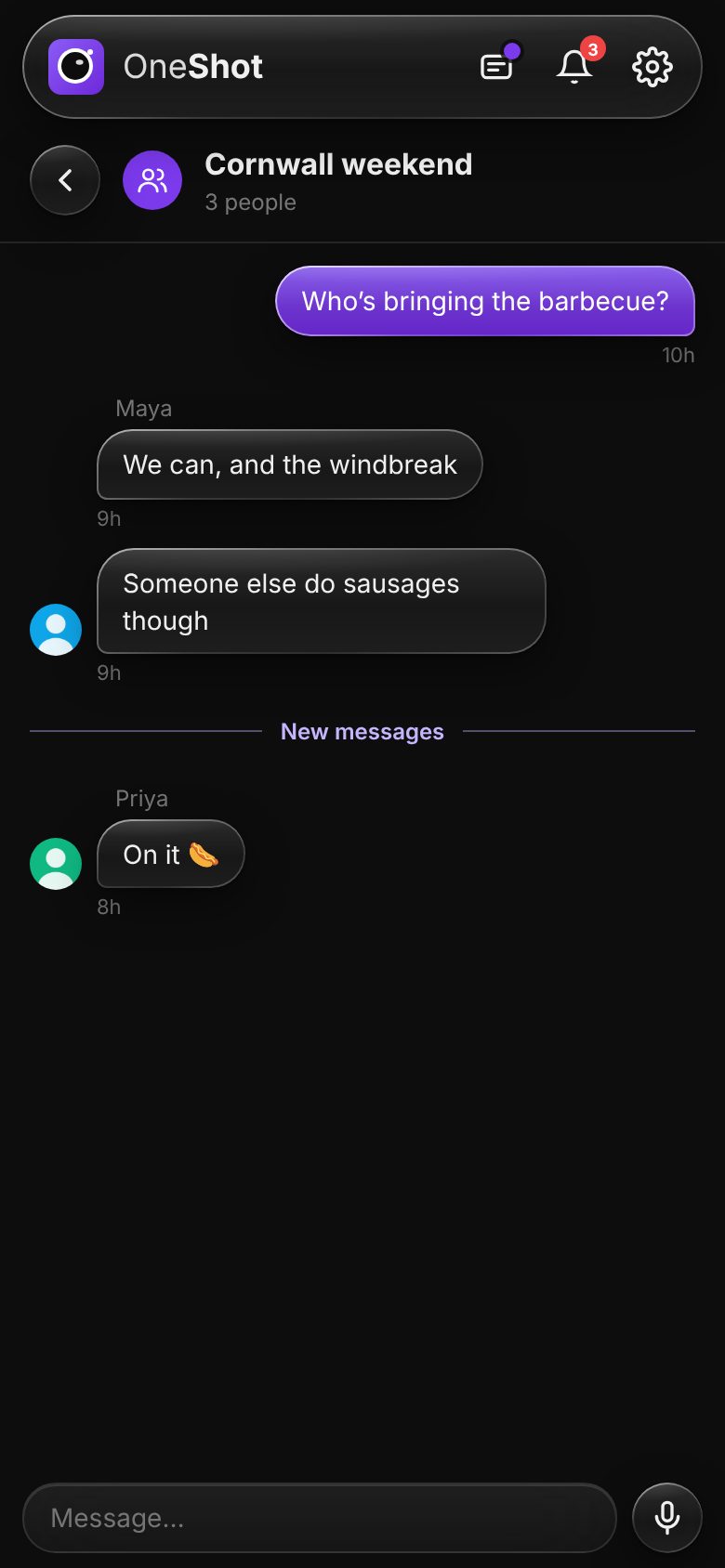
- One-to-one and group chats with your friends.
- Voice notes up to 30 seconds, when typing takes too long.
- React by holding a message. Notifications open straight to the chat.
Freedom for them.
Peace of mind for you.
One Shot is for anyone 12 and over. Everyone aged 12 to 15 has a child account, linked to their family, with protections built in — and parents get real controls, not just a setting buried in a menu.
All the fun, with their friends
- Photos, videos, Stitches, text and stickers — the full app
- Groups, threads, chats and voice notes with friends their family has approved
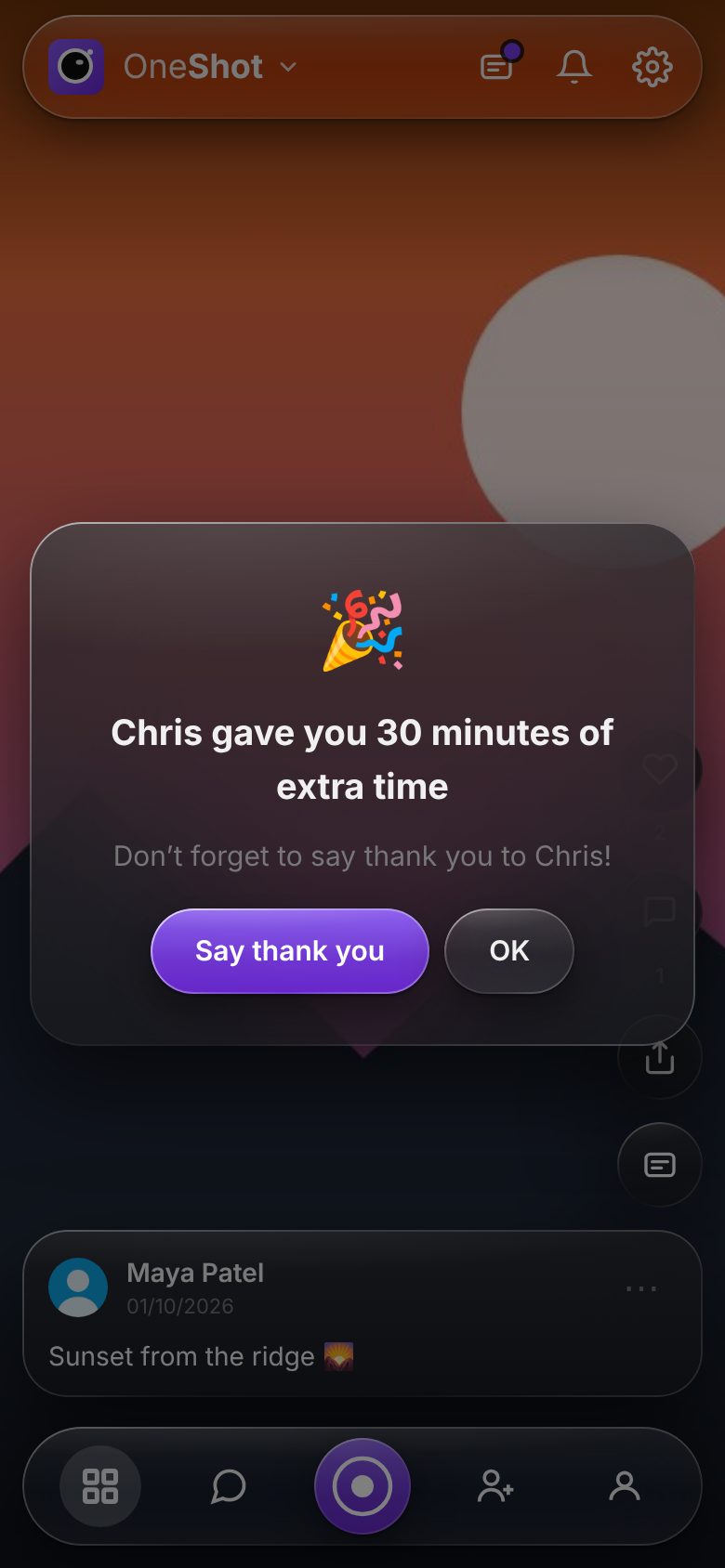
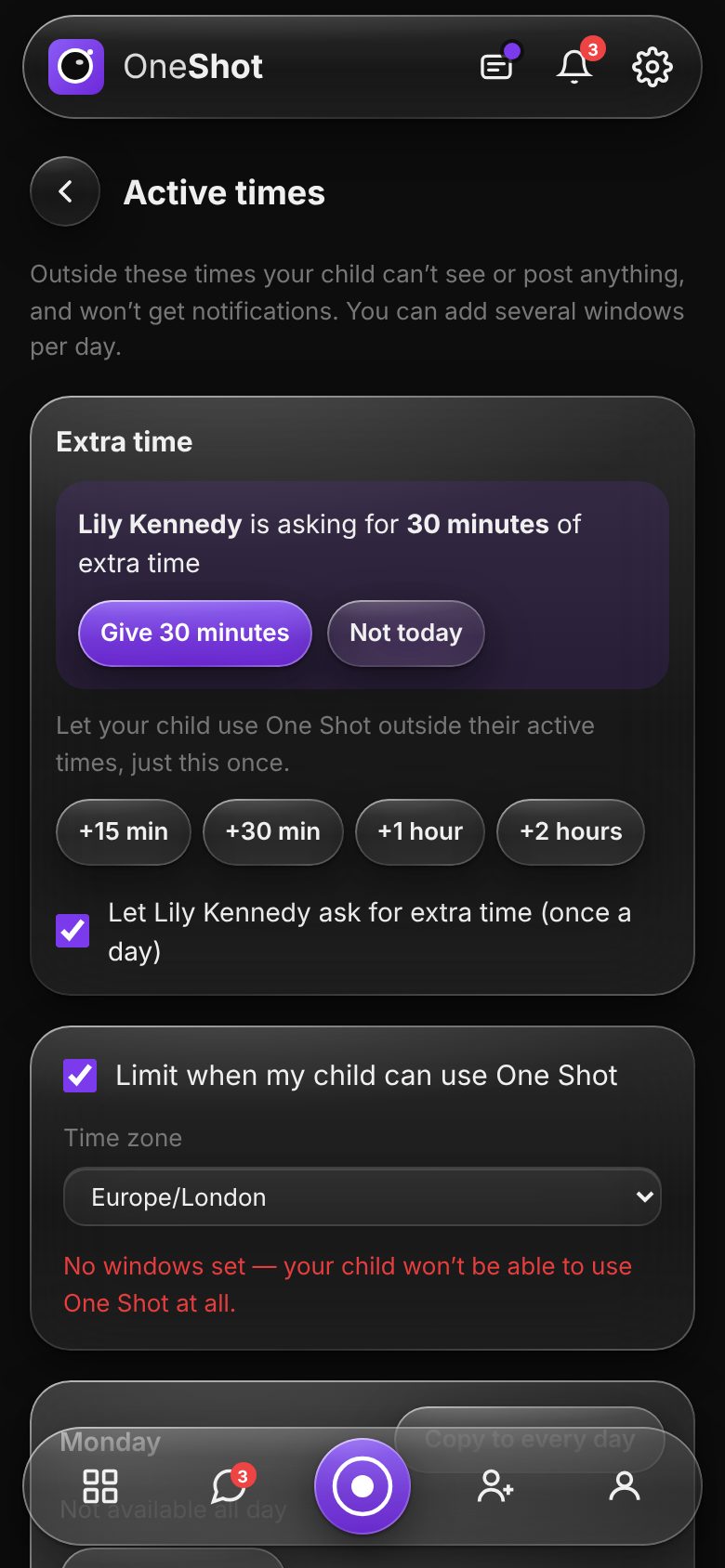
- Ask for extra time when they need to finish something
- A message to Mum or Dad always goes straight through
- Healthy habits built in: quiet nights and a short break after a long scroll
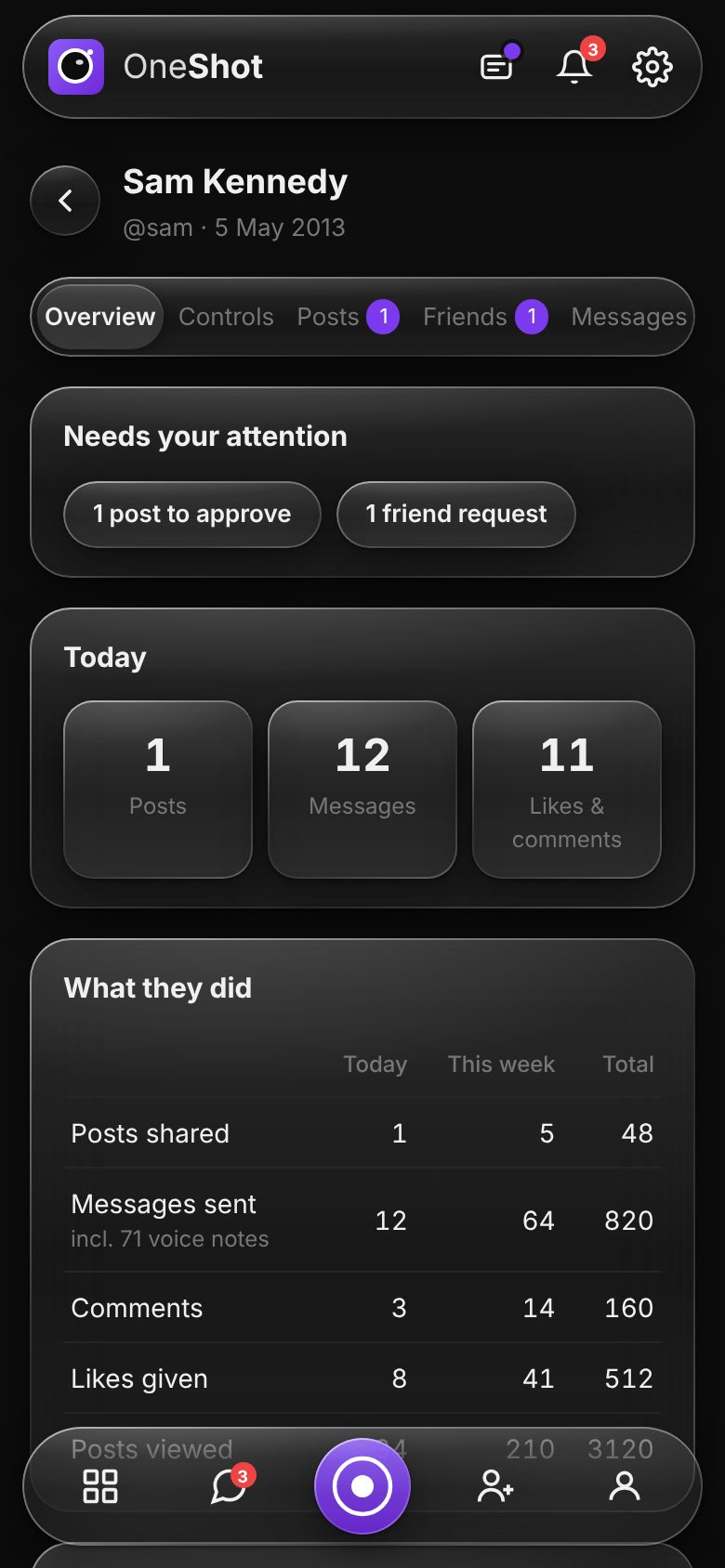
Set it up once, step in when it counts
- Choose when One Shot can be used, with several windows a day
- Give extra time in 15-minute to 2-hour steps — or let them ask
- Approve friend requests, alongside the other child's family
- Decide where they can post, and approve posts if you like
- Unkind messages are held for you to review
No strangers. No ads. No algorithm.
Only people you know
There are no public profiles, no follower counts and no way for strangers to find your posts.
Real people
Adults confirm their identity and age when they join, so you know who's on the other side.
No ads, ever
We don't sell your data or your attention. Your photos are never shared with advertisers.
No algorithm
Your feed is your people, newest first. Nothing is pushed at you to keep you scrolling.
Safety checks in-house
Children's messages are checked on our own servers — never sent to an outside company.
Secure by default
Encrypted in transit and at rest, passkey sign-in, and an email if someone signs in from a new device.
Up and running in minutes
Create your account
Sign up in seconds, then turn on notifications and the camera in one short setup.
Bring your people
Share your invite link — whoever joins with it becomes your friend. Add your children from the Family page.
Start sharing
Take a photo, add some text or a sticker, and choose exactly who sees it.
“No public profiles. No follower counts. No likes to chase. Just the people who matter.”
Questions? We've got answers.
Is One Shot free to use?+
Who can see my posts?+
Why can I only upload one photo a day?+
Can I add text or stickers to a photo?+
How old do you have to be?+
What can parents see and control?+
What are Stitches and Threads?+
Is my data sold to advertisers?+
Ready to share what really matters?
Join One Shot today — it takes less than a minute.